WorkFrame digital product · Product 01
Small Business Bookkeeping
Small Business Bookkeeping Spreadsheet – Excel Income & Expense Tracker
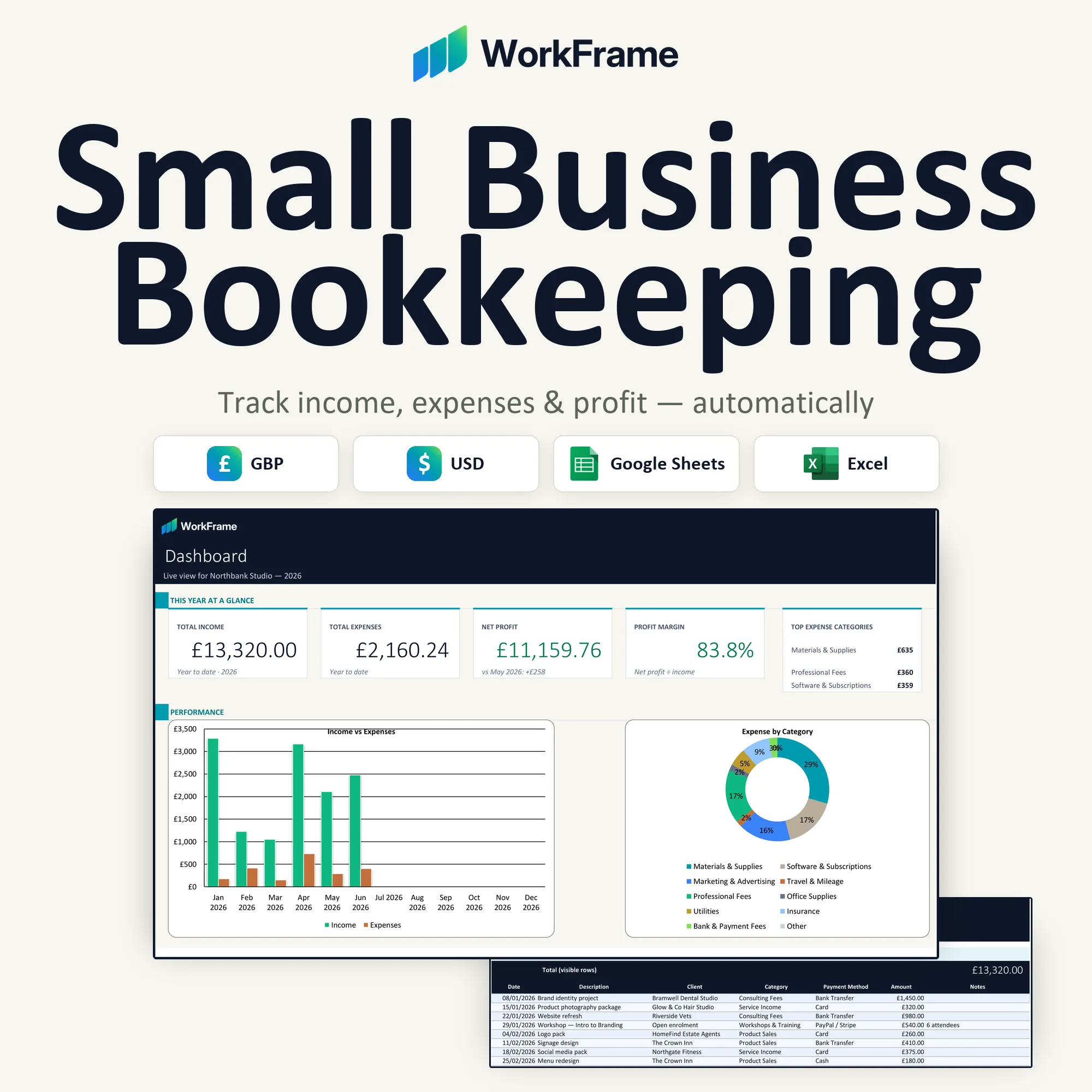
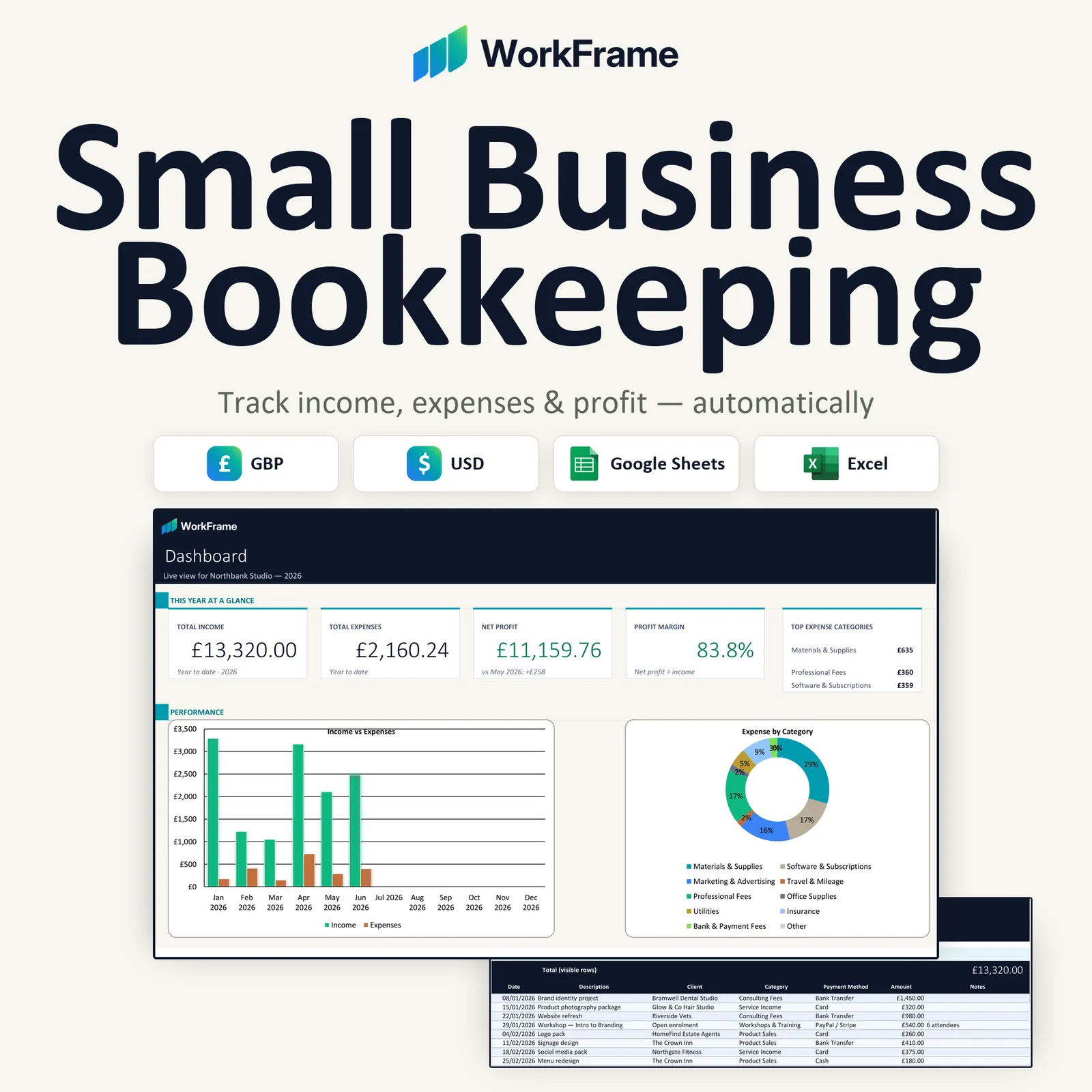
A polished bookkeeping workbook for Excel and Google Sheets. Enter your income and expenses; the summaries, profit and Dashboard update for you.
£7.95One purchase includes both the GBP (£) and USD ($) editions.
Coming soon
This product is not on sale yet — it will be available through Etsy. Ask to be told when it launches.
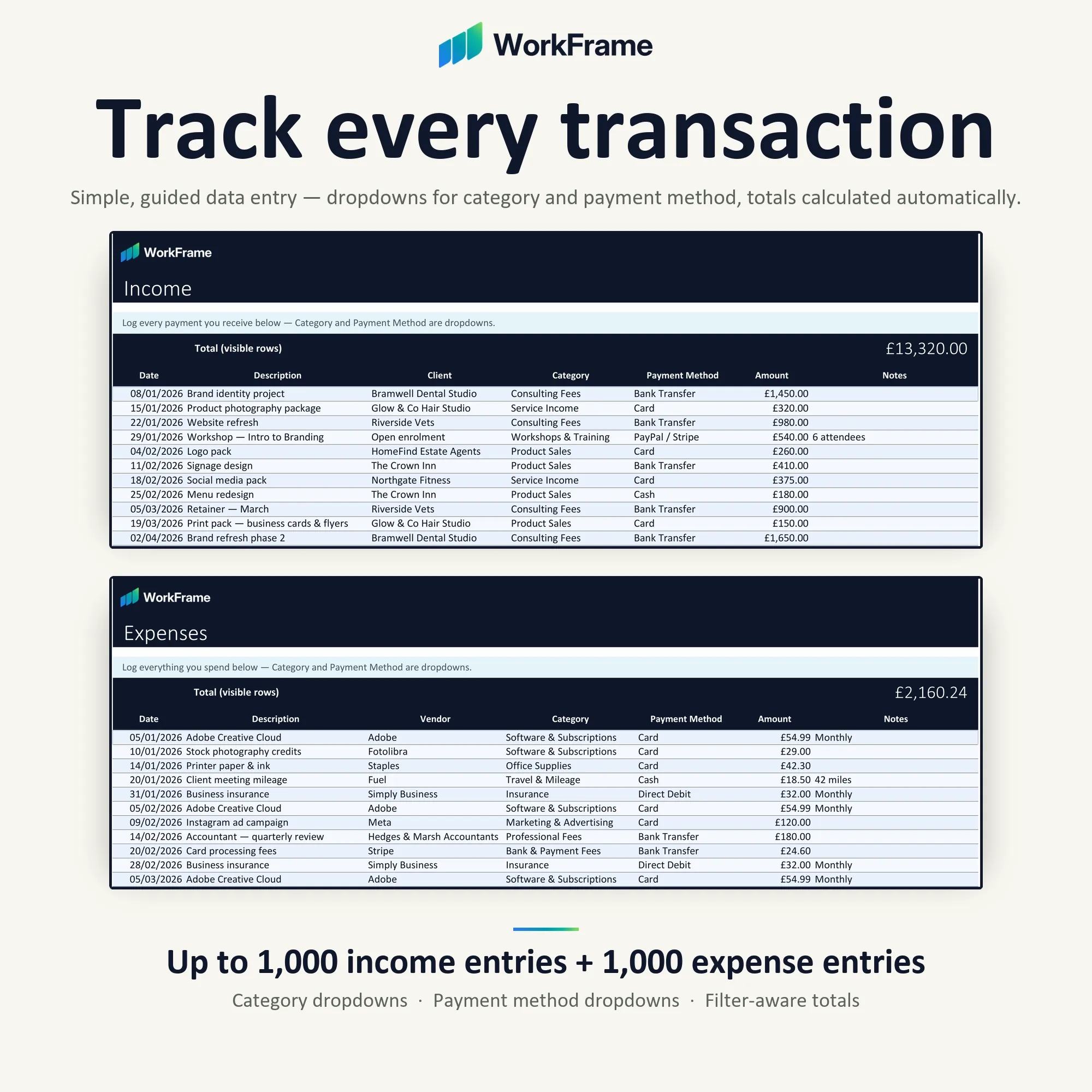
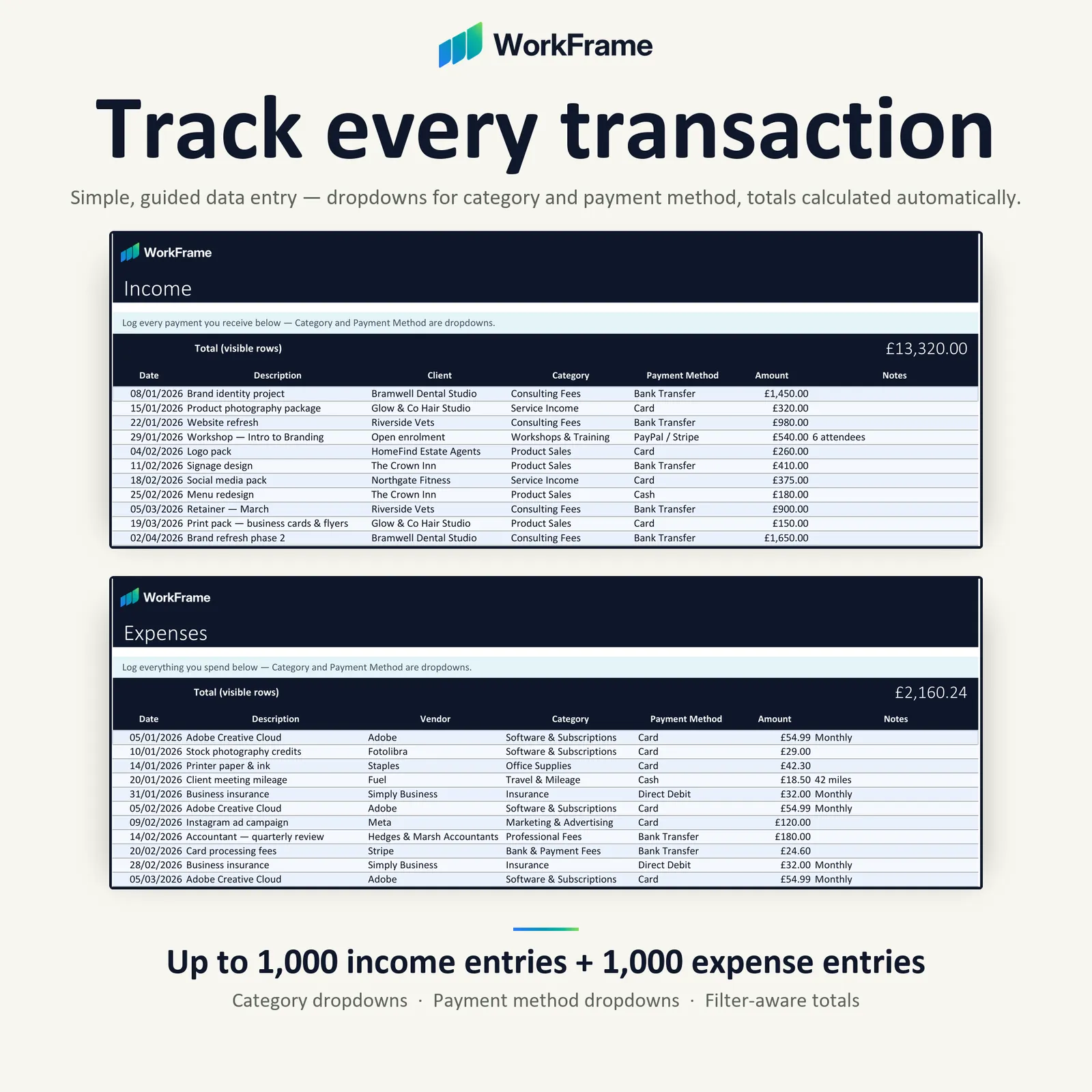
- Track income and expenses — 1,000 rows each
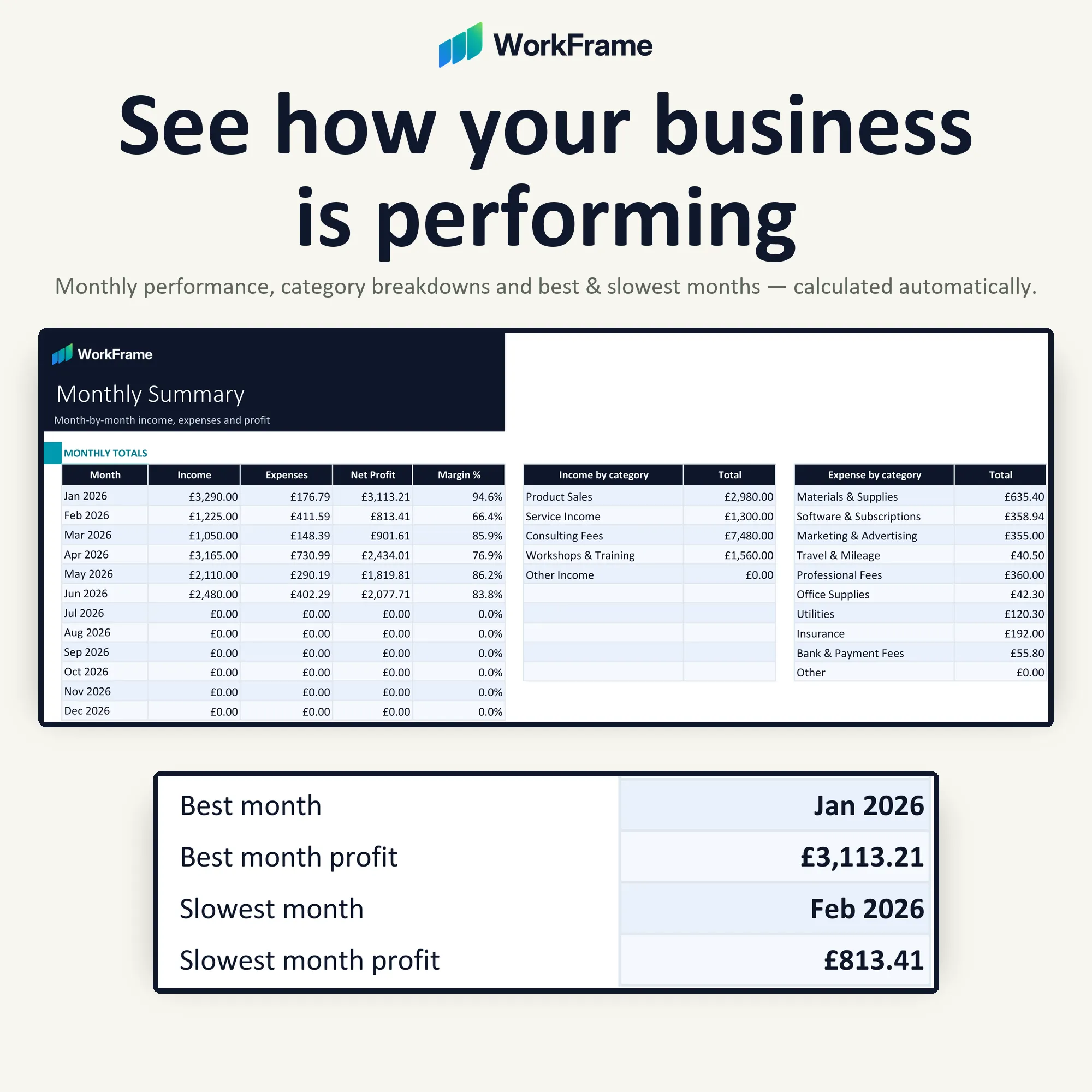
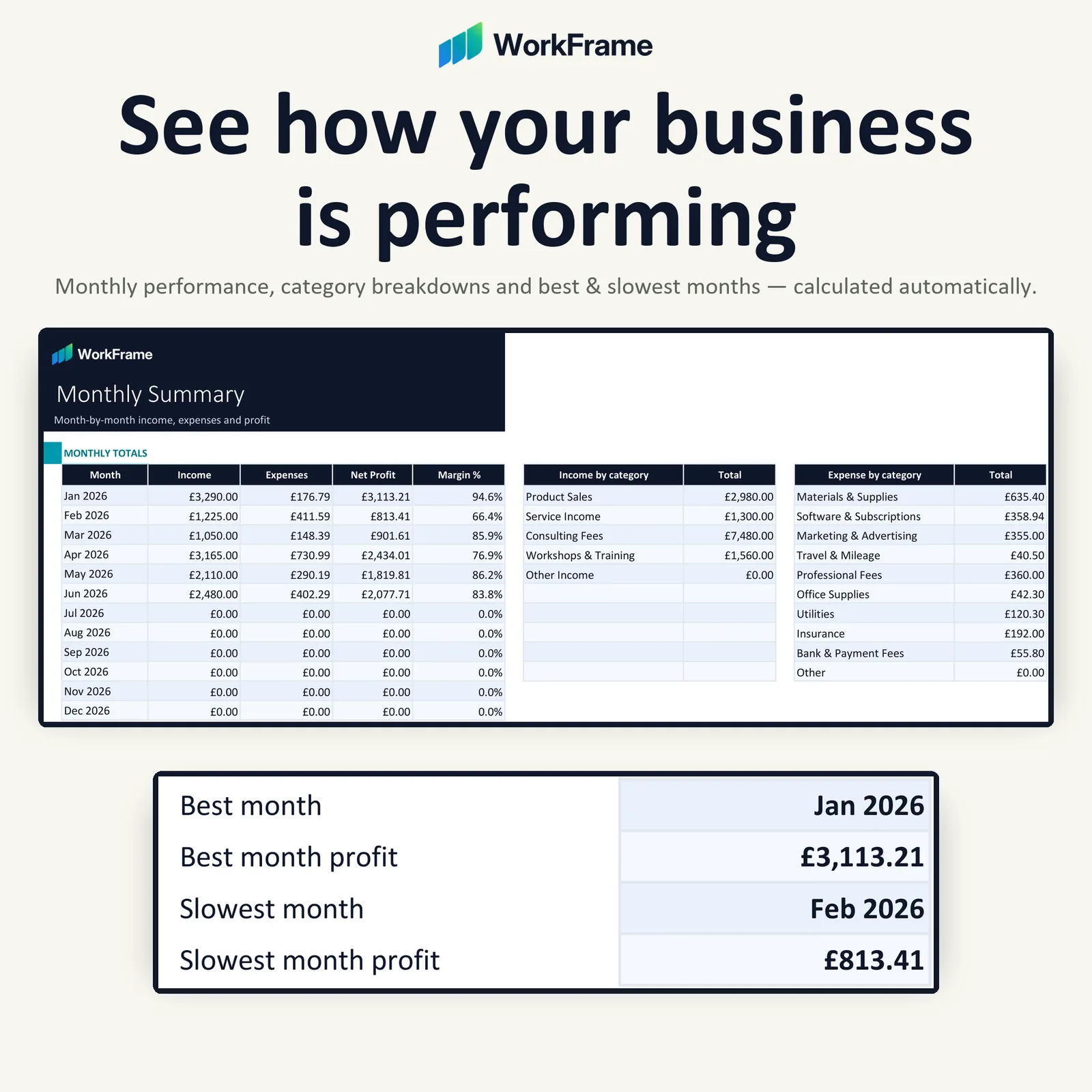
- Monthly and annual summaries calculated for you
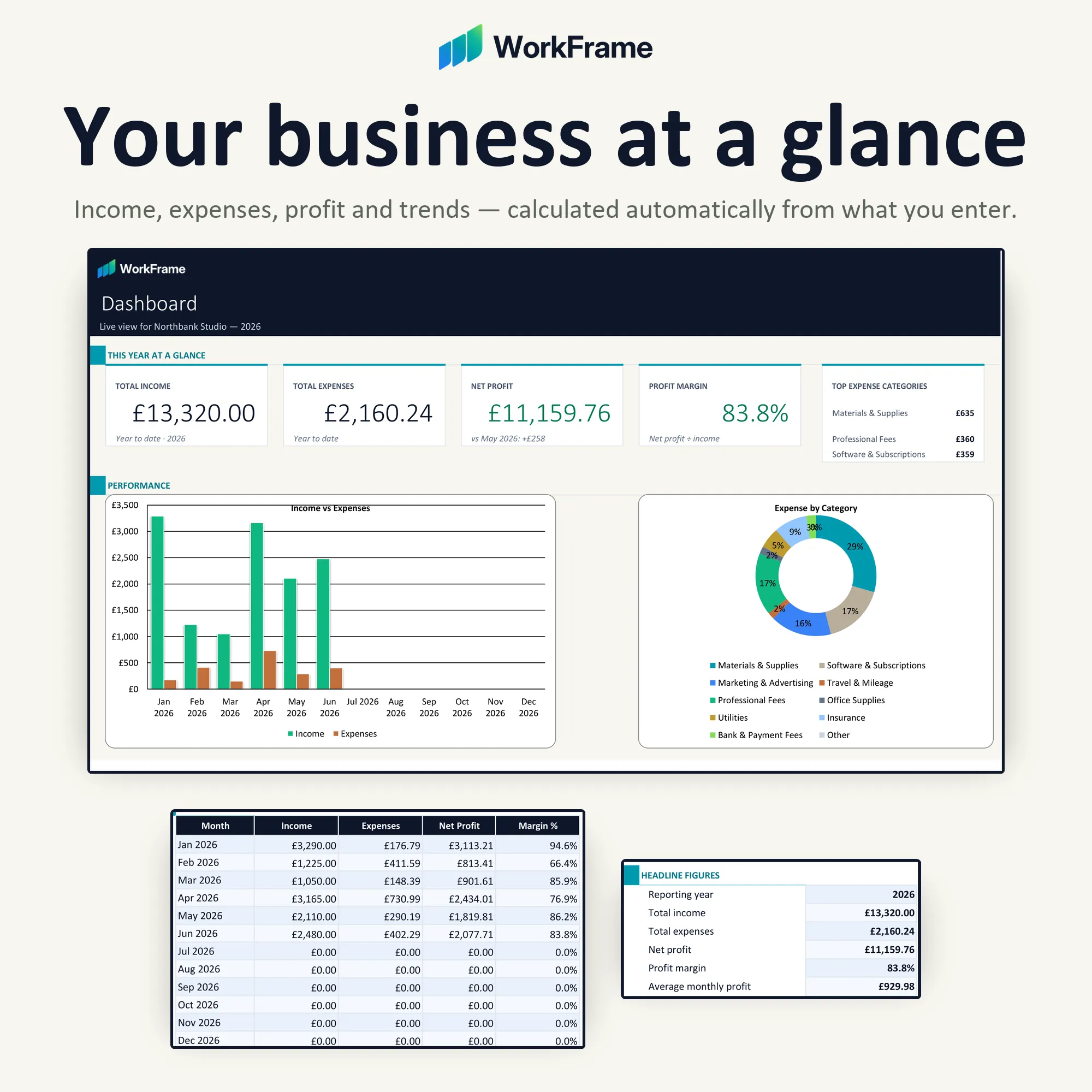
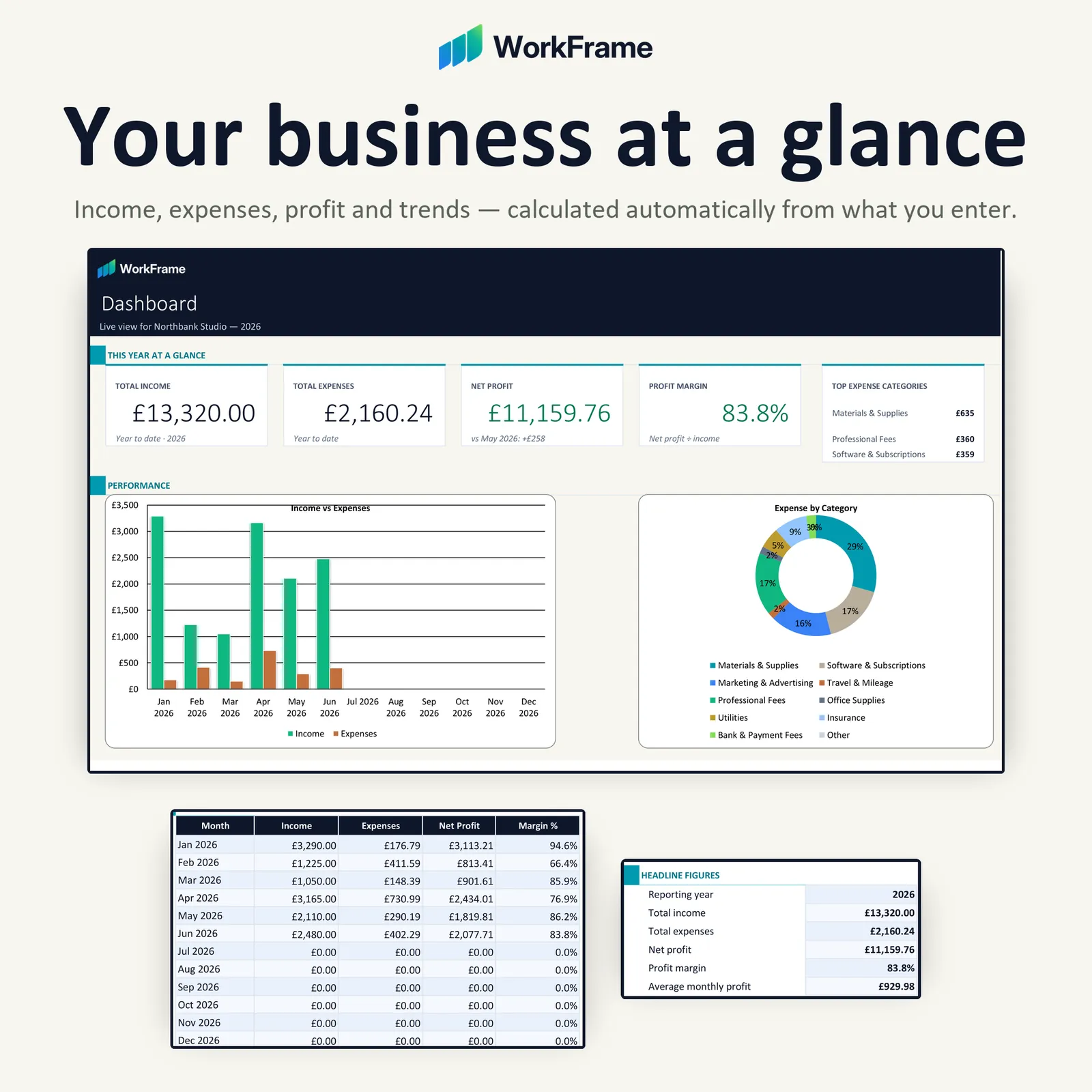
- Visual Dashboard with net profit and profit margin
- Both GBP (£) and USD ($) editions included
Editions & compatibility
- GBP (£)
- USD ($)
 Google Sheets
 Excel
Excel
About this product
A polished small business bookkeeping spreadsheet for Microsoft Excel and Google Sheets, built to help you track income and expenses and see your financial picture automatically.
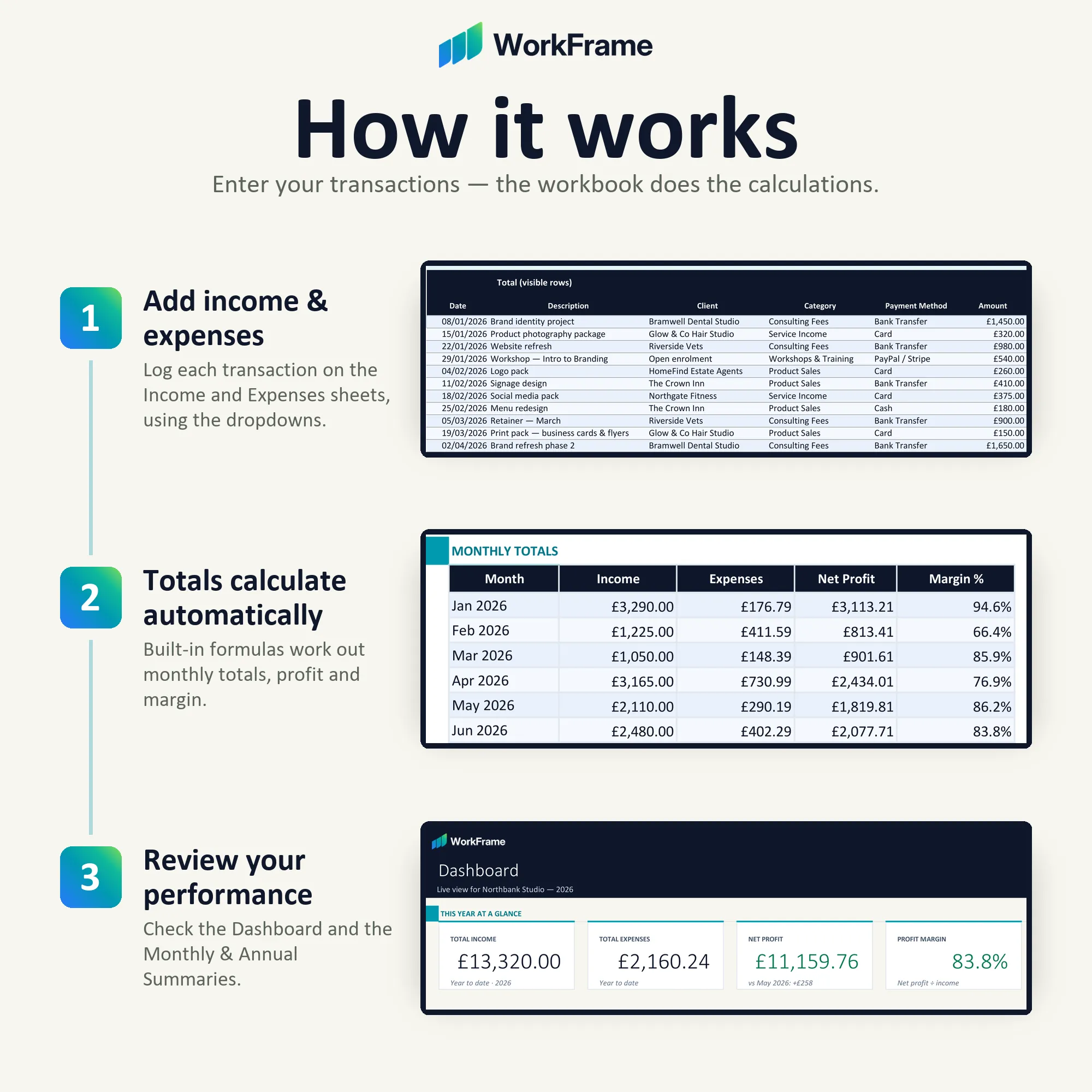
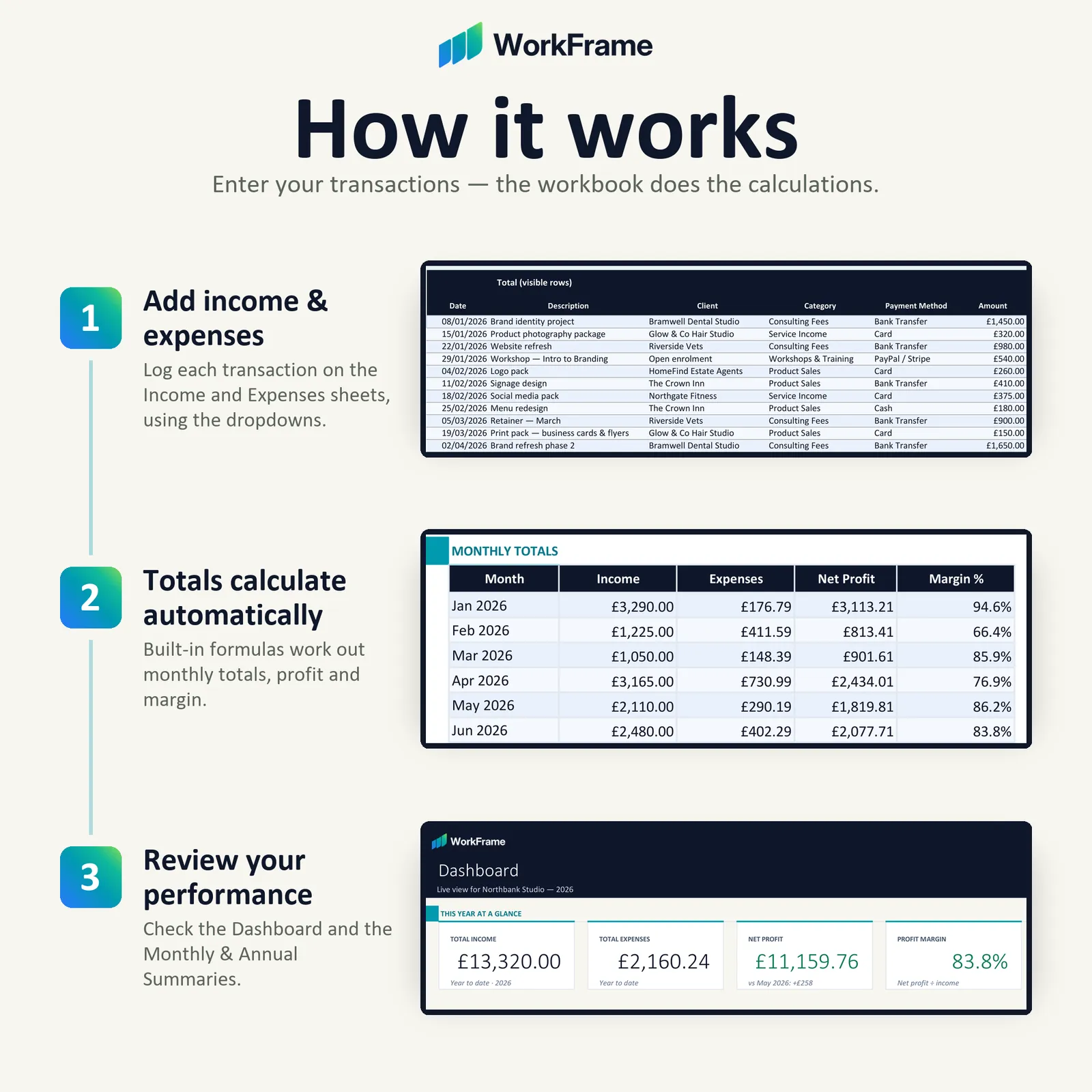
Enter your transactions and the workbook calculates your totals, monthly and annual summaries, profit and margin — and keeps a connected visual Dashboard up to date. There are no formulas to build: add your figures and let the workbook handle the reporting.
It ships with realistic sample data so you can see exactly how everything works before you clear it out and add your own figures. Your purchase includes both GBP (£) and USD ($) versions, so you can use the edition that suits your business — only the currency display differs.
Features
Key features
- 01
No formulas to build
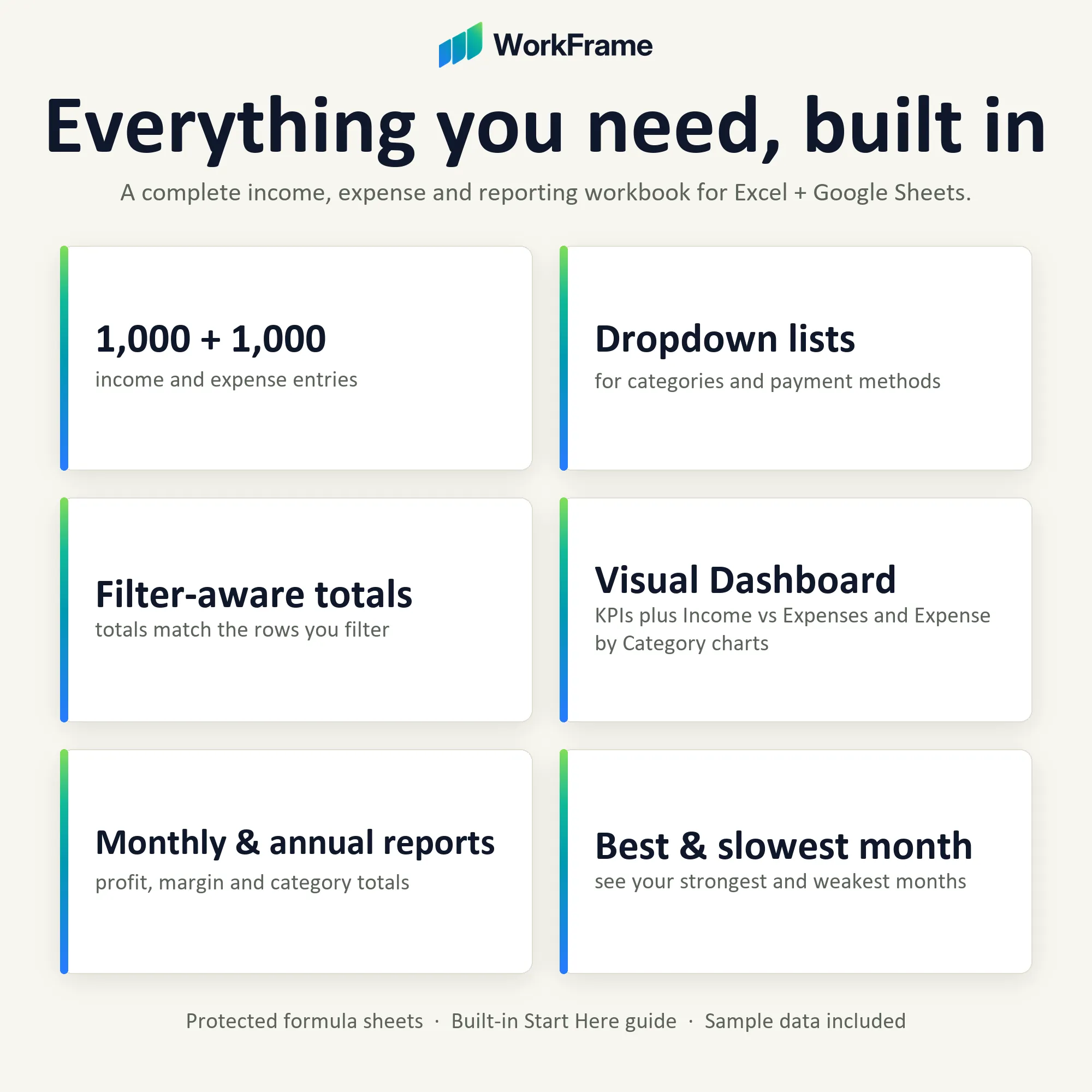
Enter your transactions and choose from the dropdowns. The summaries, KPIs and charts stay current on their own.
- 02
Automatic monthly and annual reporting
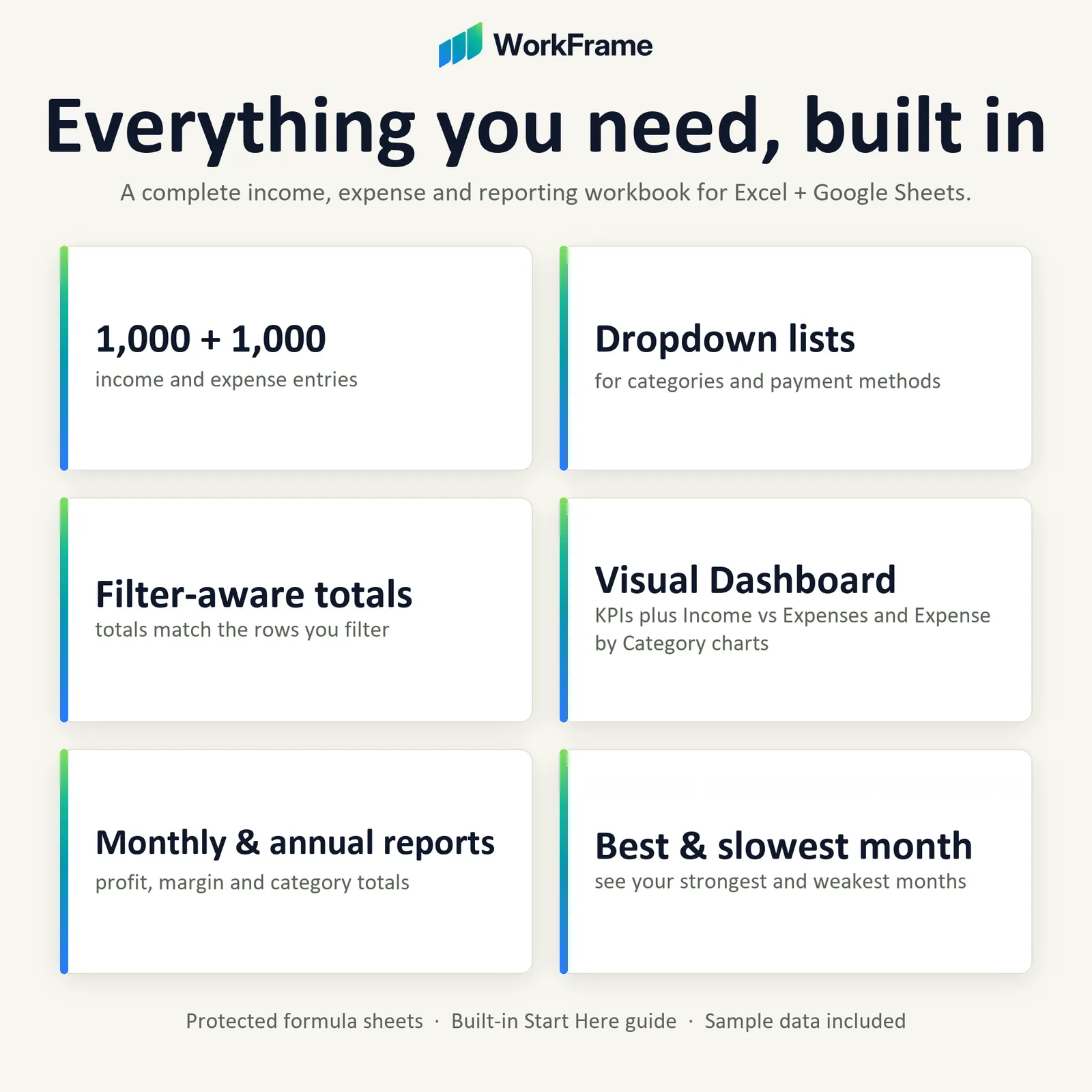
Month-by-month income, expenses, profit and category totals, plus full-year headline figures.
- 03
Net profit and profit margin
Calculated for you, with your best and slowest months based on the months you have actually traded.
- 04
Filter-aware totals
Totals reflect what you can see, so they stay correct when you filter the ledger.
- 05
Your categories, your way
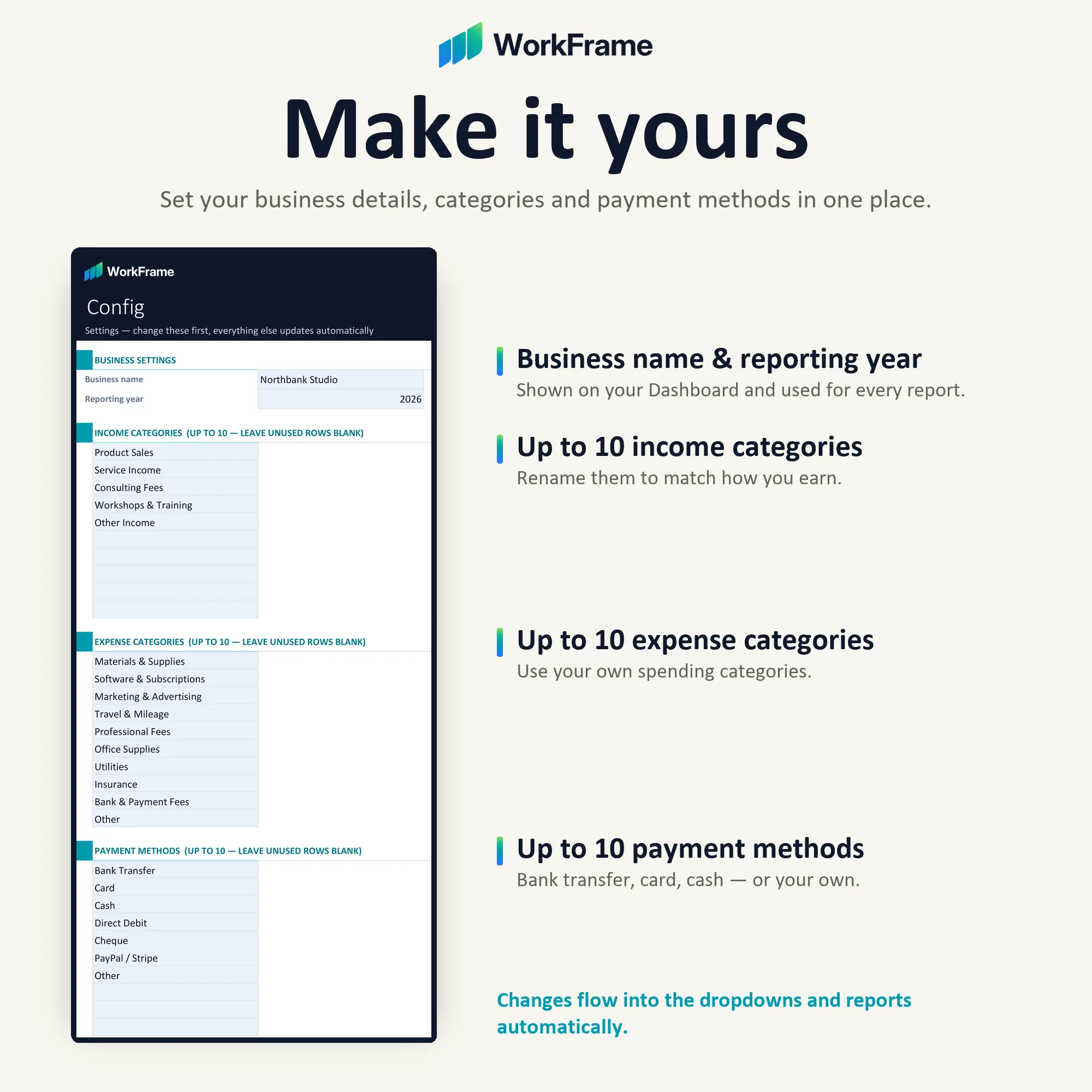
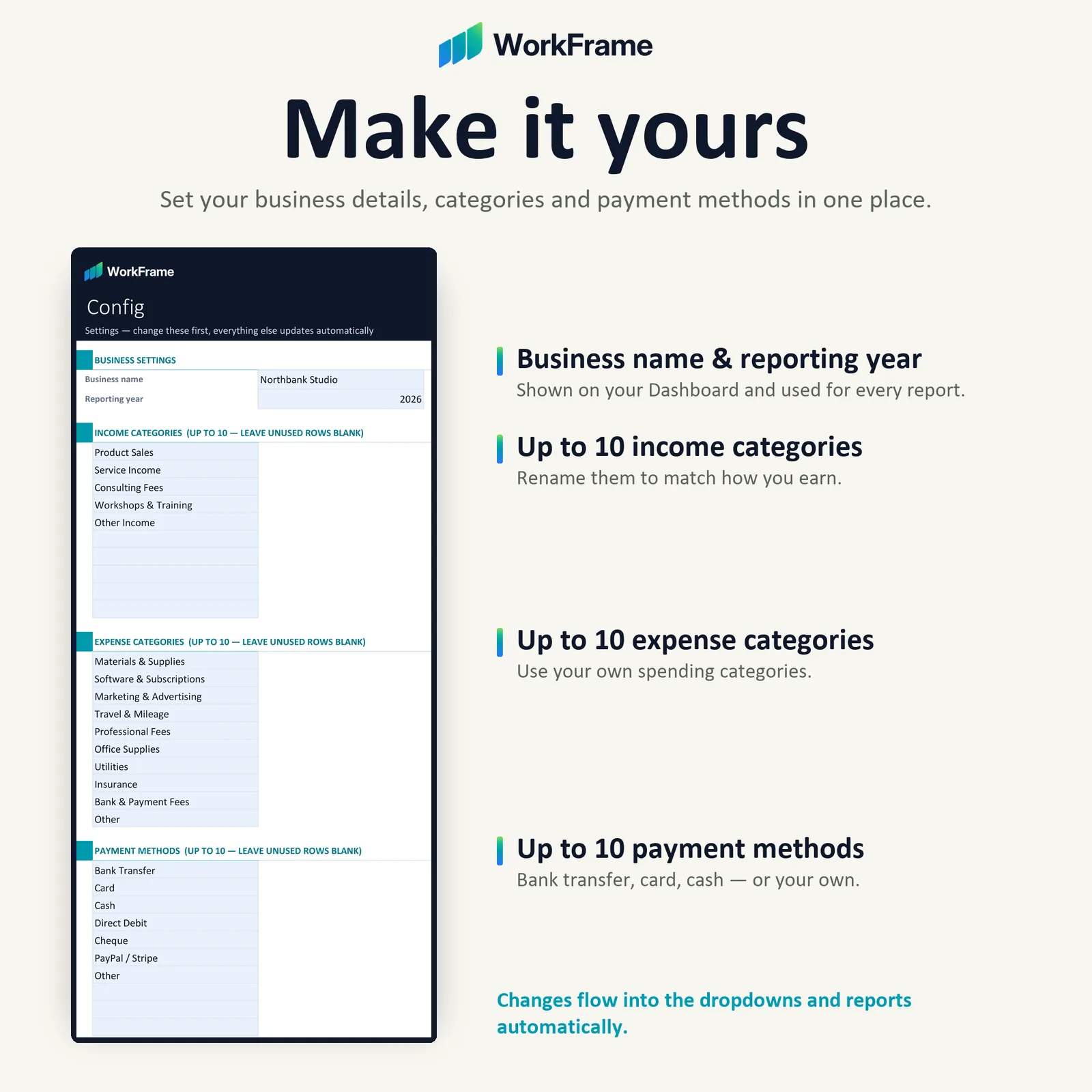
Customise income categories, expense categories and payment methods on the Config sheet.
- 06
Instructions built in
A Start Here sheet explains every worksheet, so there is no separate guide to keep track of.
Inside the workbook
What’s included
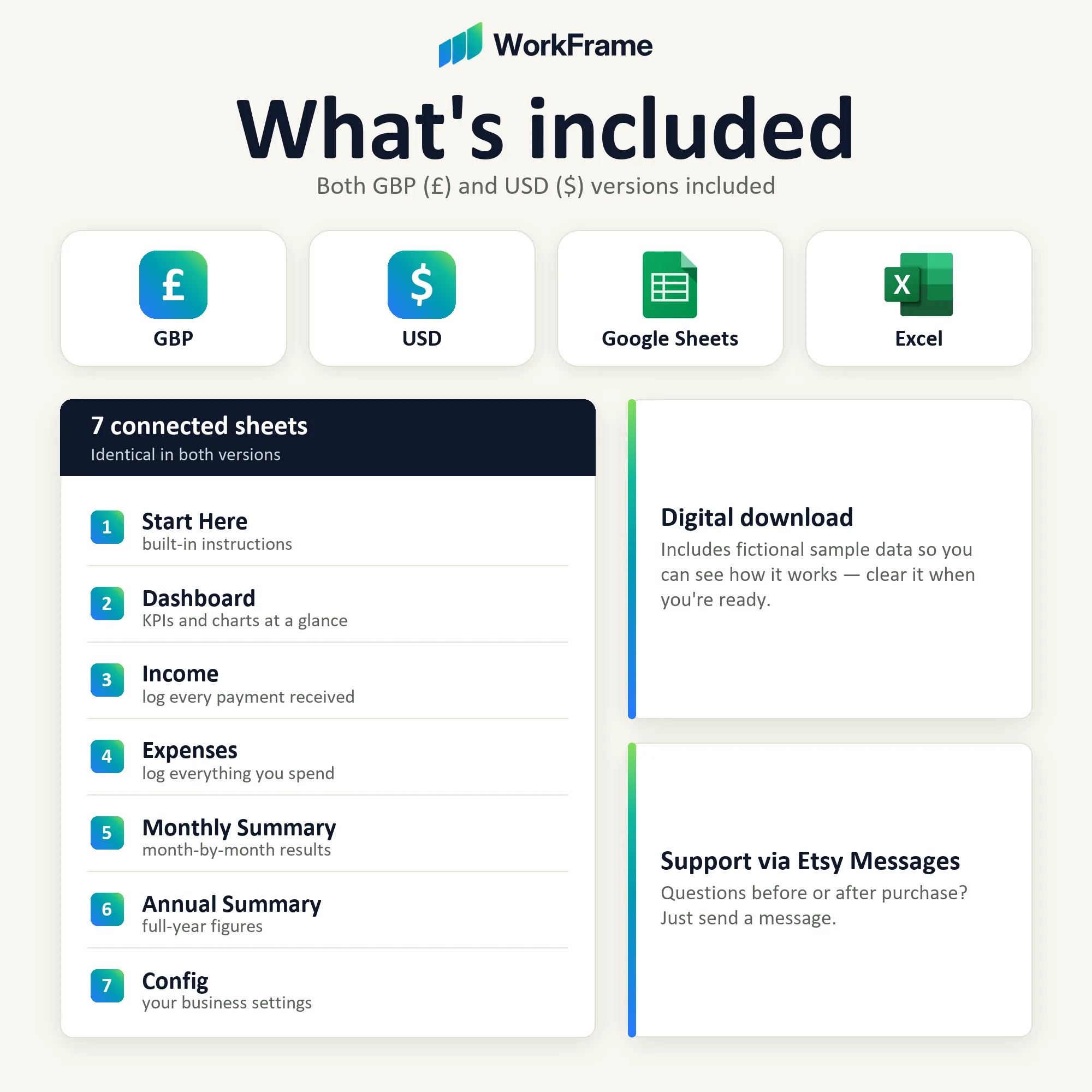
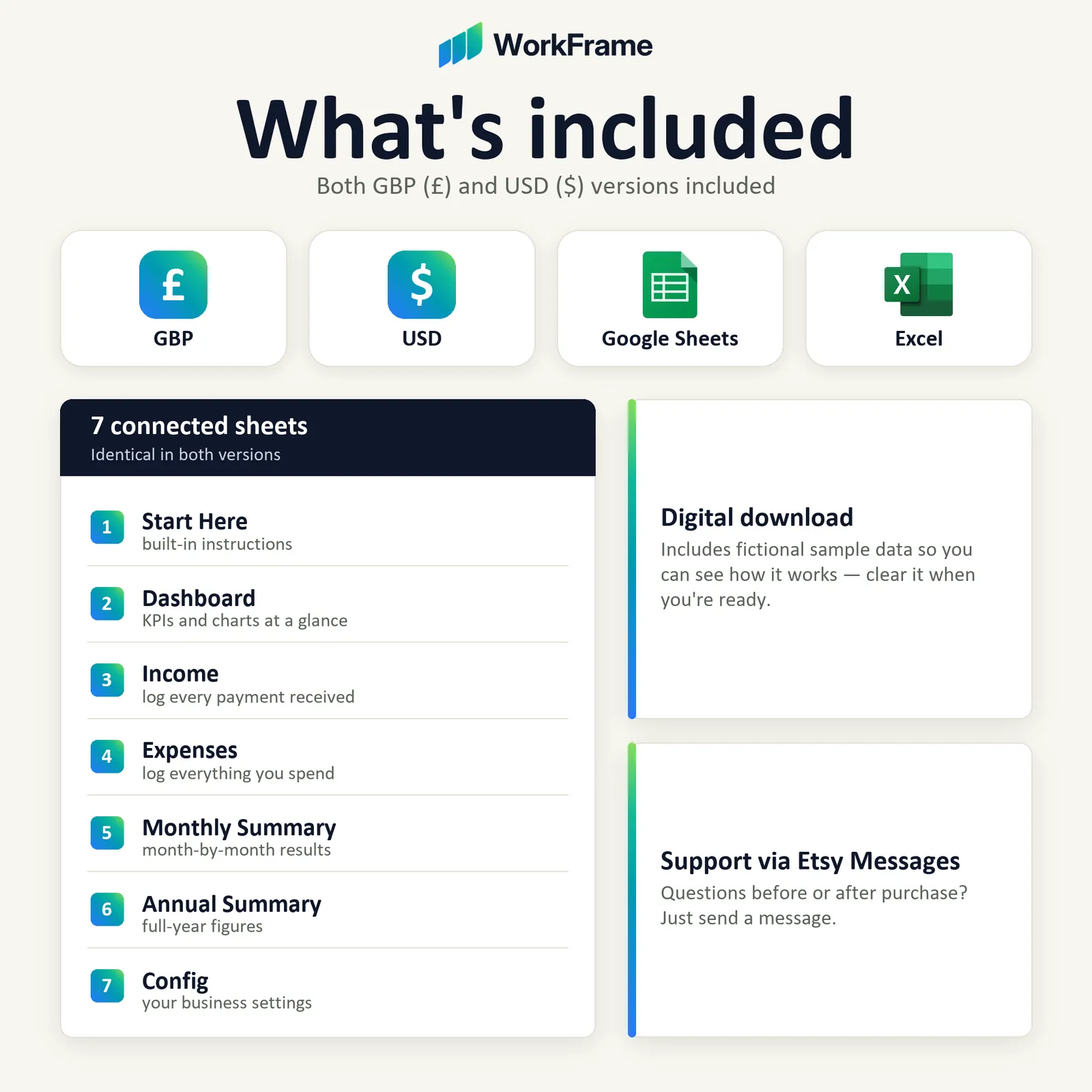
7 connected worksheets, each with a clear job.
- 01
Start Here
Instructions for every sheet, built into the workbook.
- 02
Dashboard
Income, expenses, net profit, profit margin, top expense categories, and Income vs Expenses and Expense by Category charts.
- 03
Income
Log every payment you receive, with dropdown categories and payment methods (1,000 rows).
- 04
Expenses
Log everything you spend, with the same dropdown structure (1,000 rows).
- 05
Monthly Summary
Automatic month-by-month income, expenses, profit and category totals.
- 06
Annual Summary
Full-year headline figures and category totals.
- 07
Config
Set your business name and reporting year, and customise categories and payment methods.
Compatibility
Tested with Microsoft Excel desktop / Microsoft 365 on Windows, and in Google Sheets (upload the .xlsx to Google Drive and open it with Google Sheets). Sheet protection may behave differently in Google Sheets. Excel for Mac, Excel Online and mobile have not been tested.
Please note
This workbook is a tool for organising your income, expenses and financial records. It is not accounting software and does not provide tax, VAT or accounting advice — for that, please consult a qualified accountant or bookkeeper.
Questions about this product?
Ask before you buy, or get help after — we’re happy to help.