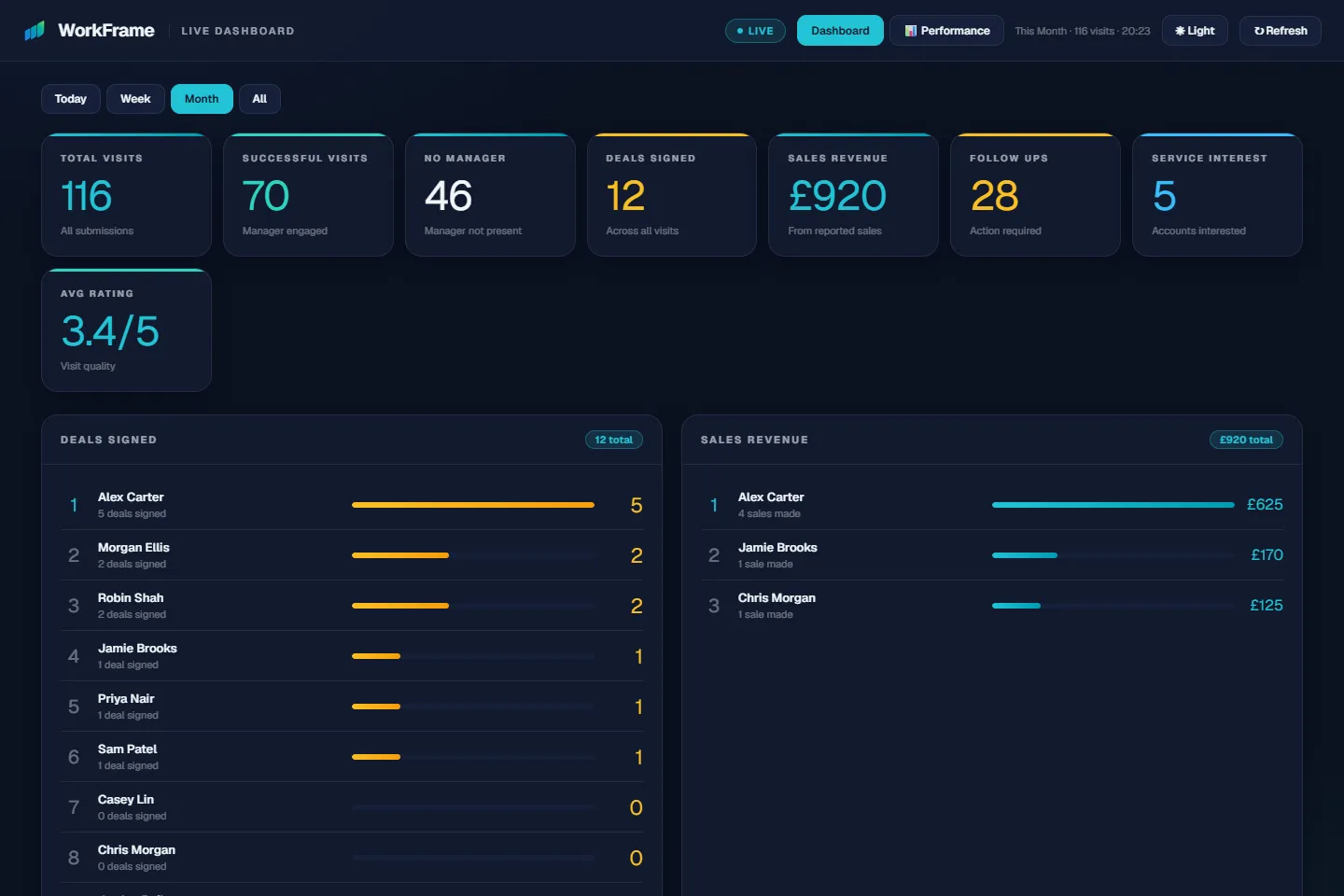
Dashboard
“What is happening right now, and what trends are we seeing?”
Live operational visibility — activity, outcomes and team performance — with trends in the Performance view.
Live demo · Deployment
“Who is visiting which businesses, and in what order?”
Give each team member a clear plan: who to visit, in what order, with reporting built in.
All people, businesses, places and figures in this demo are fictional.
One connected system
“What is happening right now, and what trends are we seeing?”
Live operational visibility — activity, outcomes and team performance — with trends in the Performance view.
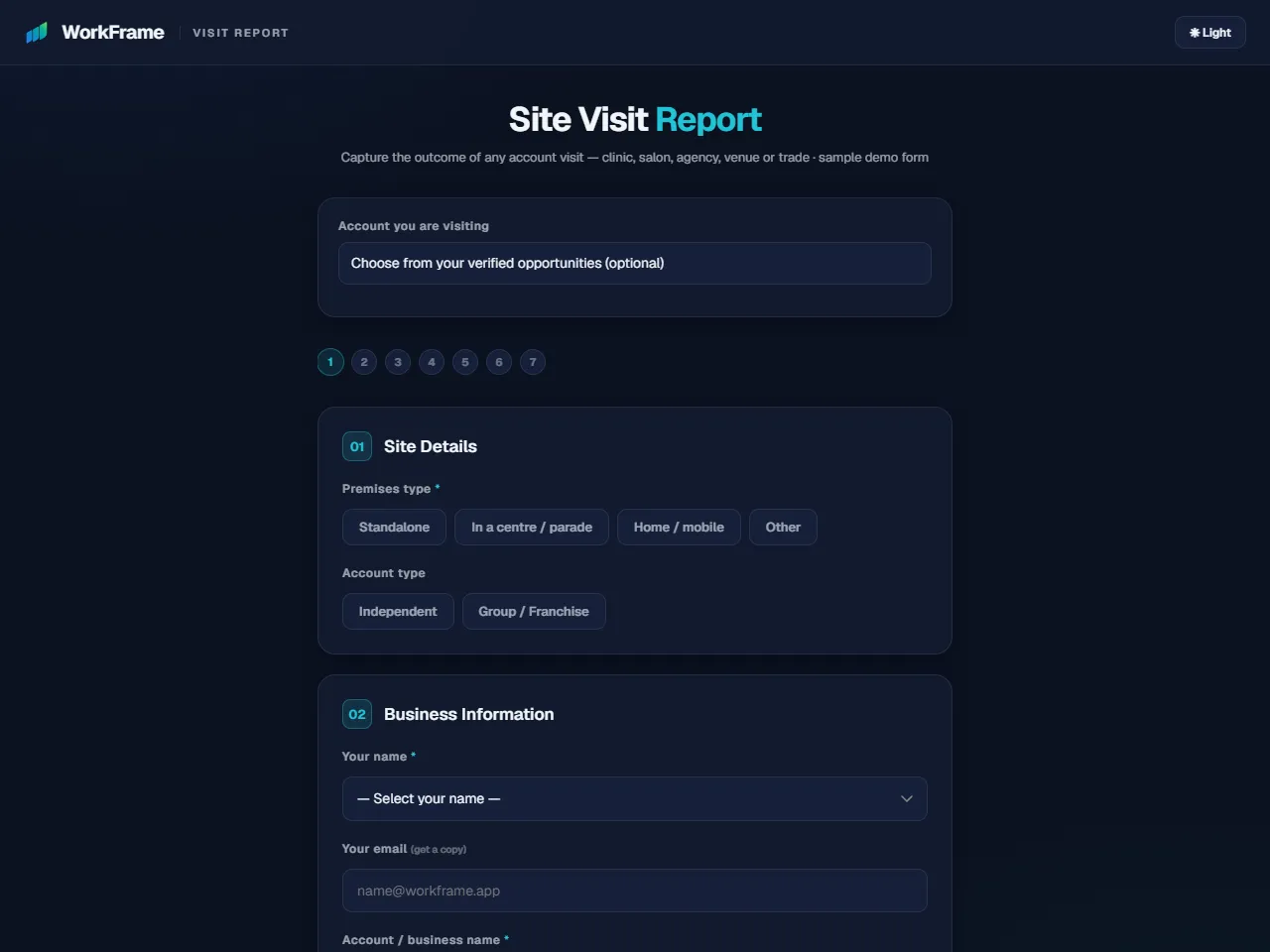
“What actually happened?”
The Site / Store Visit Report: capture the outcome of every visit in a few quick taps — the record everything else is built on.
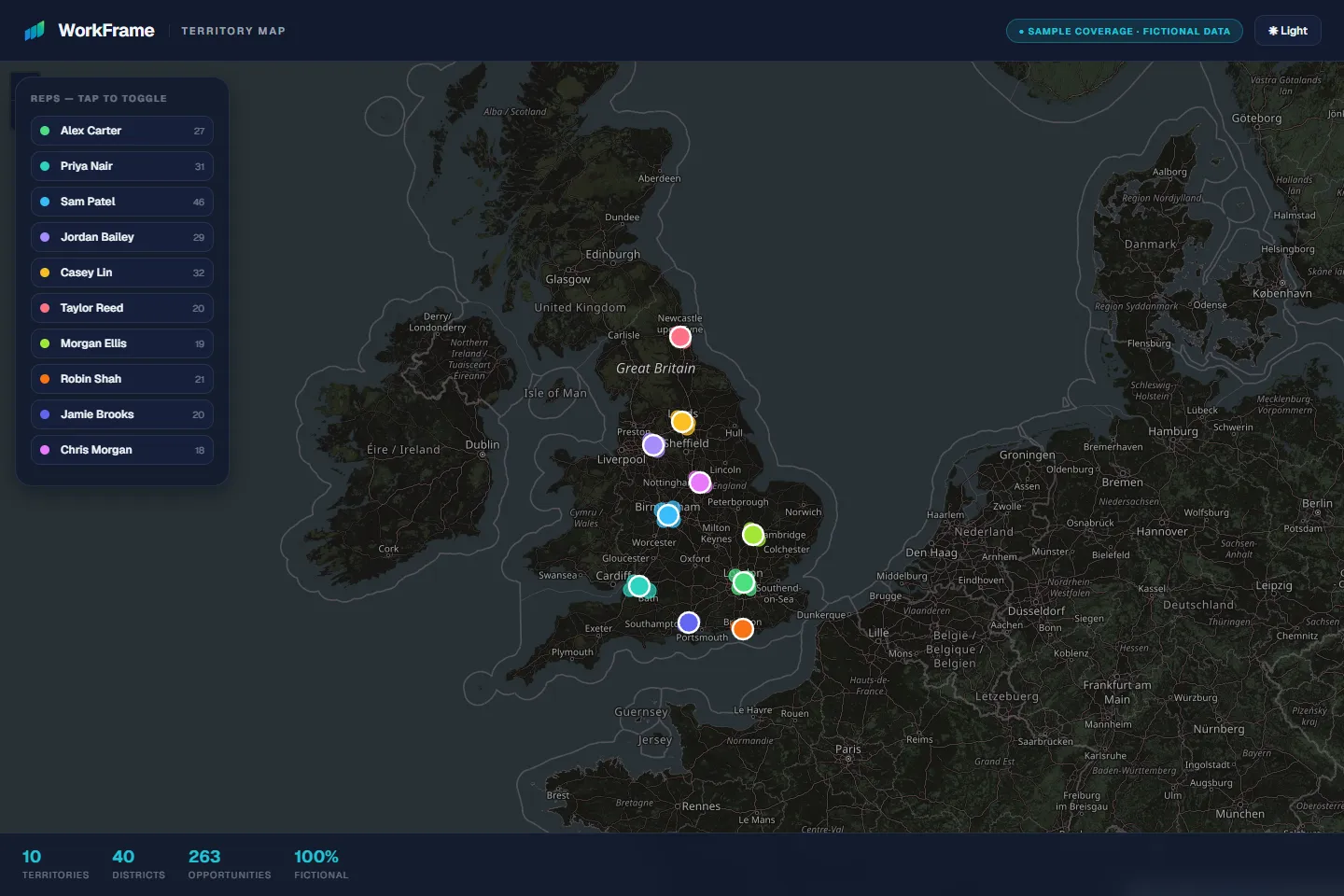
“Where are the opportunities — and the gaps?”
Territory intelligence: see where opportunities and teams are, who is responsible for each area, and where the gaps are.